
Turning ideas into tools
From an idea with AI to a tool you can use at work
Miga Café is a fictional example. DOP Tareas and Agenda Clientes are tools our development team built for our own operations. In this video, we explore what happens when a business owner brings a specific problem to an AI assistant.
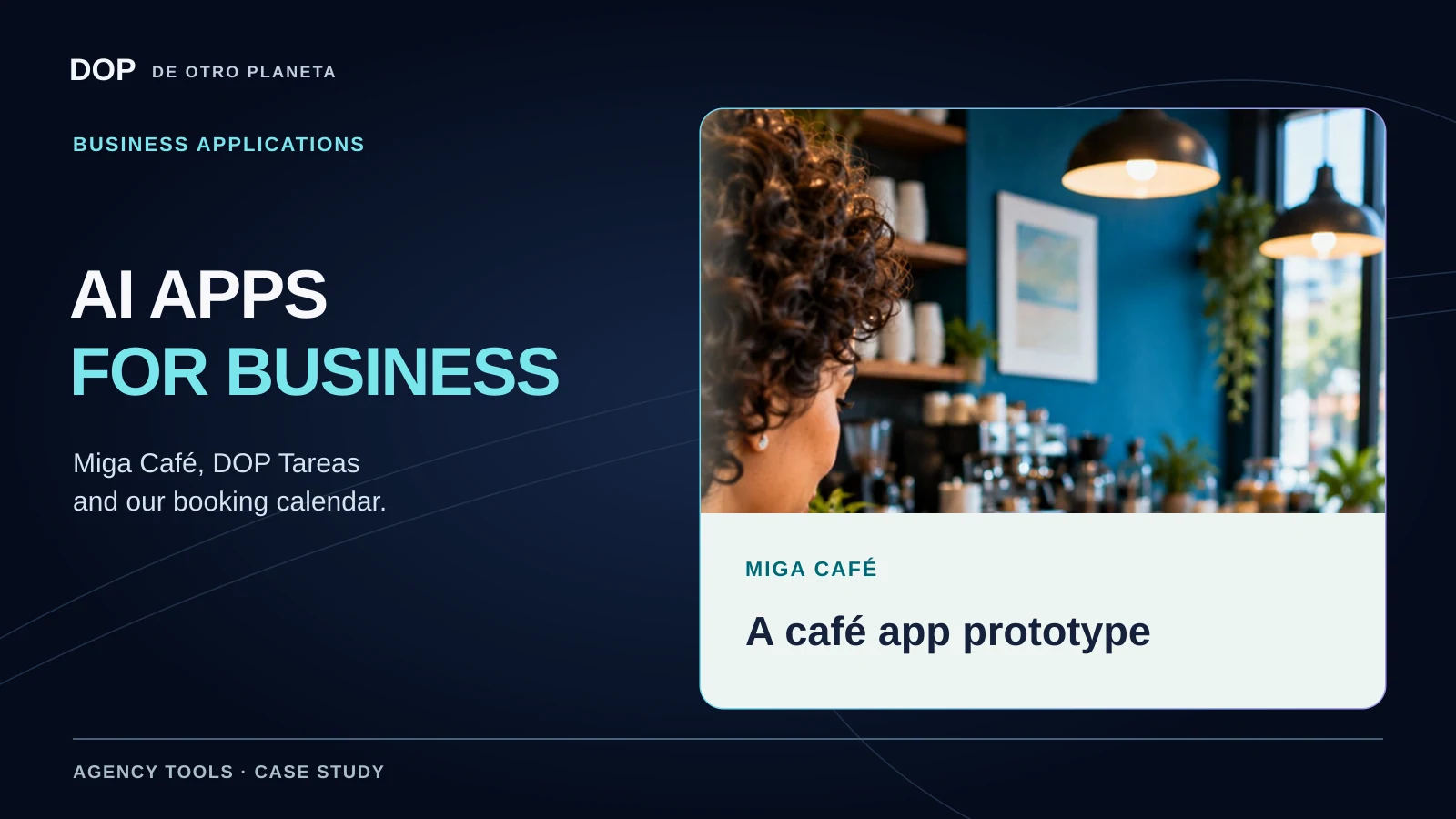
Miga Café starts with what the business needs
The café owner already uses AI to create her menus. Dopsito suggests going a step further. She could describe how she runs the café and use that description to build her first app.
Her brief brings together orders, sales, inventory, income, expenses and an end-of-day summary, with individual accounts and permissions for her team. The story shows her trying the app with sample data and illustrates how recording a sale could update stock.
Miga Café is fictional. The sequence illustrates an idea. A business would still need to implement and test the system before using it for accounting or relying on it to meet invoicing requirements.
Two apps we built for our team
At De Otro Planeta, we develop tools for our own operations. DOP Tareas and Agenda Clientes each address a specific job. Both have a public page explaining how the tool works.
DOP Tareas
What needs doing, who owns it and when it is due. The app keeps assignments, deadlines and context together, with list and board views for tracking progress.
- Individual or shared tasks.
- Recurring routines with a separate status for each occurrence.
- Descriptions, priorities and comments.
Agenda Clientes
Availability, appointment records and follow-up by client. Each adviser works with their assigned client. Administrators can view the clients they have permission to access.
- Public availability is separate from the staff panel.
- Authorized staff register appointments in the scheduler.
- Staff can record attendance, a quote and the next step.
The DOP Tareas product page also lists due dates, times and alerts. Alerts depend on settings and device permissions, so their exact delivery time can vary. The Agenda Clientes homepage explains the tool. Staff record appointments in their own panel.
What the recreated interfaces show
Near the end of the video, you see tasks and a second screen labeled “Agenda comercial DOP” (DOP sales planner). The caption identifies it as a recreation with fictional data. It illustrates sales, bookings, follow-up and reminders.
For the features of the live tools, we use their official product pages. The group meetings mentioned in the narration and the sales and reminders in the recreated planner belong to the demonstration. We have not measured time savings, growth or sales attributable to these tools.
Build the first version around one task
- Choose a process. Describe what someone needs to do and what information they need to keep.
- Explain the rules. Who can sign in? What can they change? What should happen when a task is completed or an appointment is recorded?
- Use sample data. Test the full workflow and access permissions before adding real information.
- Prepare for everyday use. Check security, backups and recovery. If the tool records sales, review the applicable invoicing requirements.
AI can help build a tool. To make it part of daily operations, you need to understand the work, review the result and maintain it.
Read the video narration in English
She already uses AI to create the menus at Miga Café. Take a look at this more advanced example and try building your own. Someone came to Miga Café selling software. She opened the cash drawer and her budget said, “Not today. We’ll pass for now, thanks.” Then Dopsito came along with an idea. What if you started by building a tool that fits your business?
She opened ChatGPT and sent a voice note. “I want an accounting and management app for my café. I want it to record orders and sales, track inventory, organize income and expenses, and show the day’s summary. I need accounts and permissions for my team.” The idea started taking shape with a cash register, products, orders and reports. First, she tested it with sample data. Then she entered some stock, rang up a coffee and saw the sale and inventory update. An app designed for her business.
Before using it for real, you have to review security, backups and invoicing requirements. With AI, your next idea can become a tool too. At De Otro Planeta, we’ve already created two apps for our team. DOP Tareas organizes tasks, changes their status, helps coordinate group meetings and turns on alerts. The second one records sales and bookings, organizes client follow-up and schedules reminders so opportunities get attention. What tool does your business need? Tell us. We’re De Otro Planeta.
The narration describes the demonstration. The section on our team’s apps explains which features the live tools offer.
De Otro Planeta · Software for daily operations
What tool does your team need?
Start with the problem you want to solve. We can discuss your process, the scope of the work and what you need to verify.
Tell us what you need to organize ↗