
Websites
What to put on a Black Friday offer page before you run ads
Picture a shopper opening your ad on a phone. They like the travel tumbler and tap through with a question: “If I buy it today, what will I pay and when will it arrive?” If finding out takes several messages, the shopper still has work to do before they can buy.
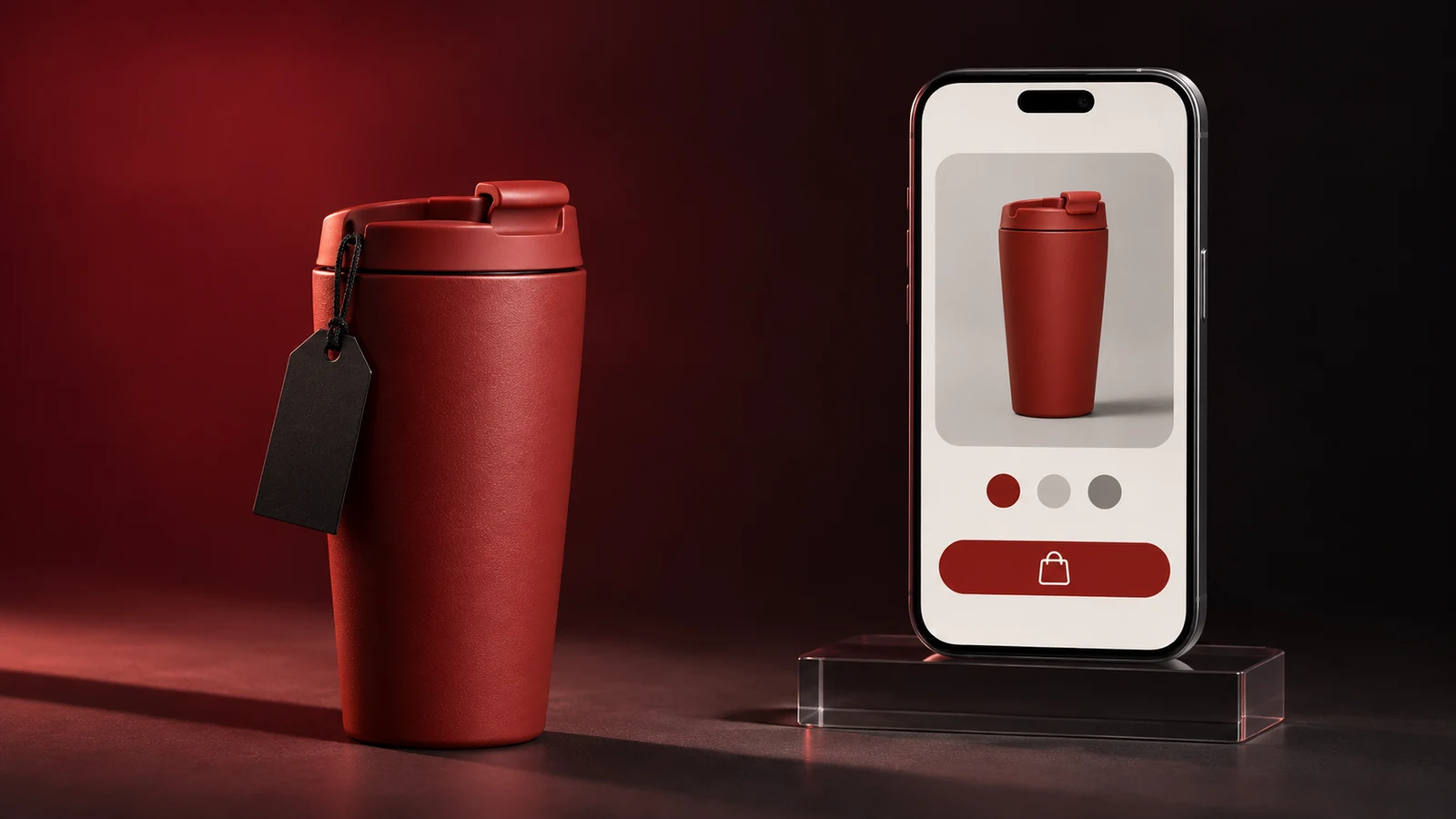
Tell shoppers when they can buy
On November 21, 2026, I checked seven days of Google shopping search trends in Colombia. One query was “cuando es black friday” (“when is Black Friday?”). For someone visiting a shop, there is a second question: when does this particular offer start and end? I put the answer next to the product and price.
Before the sale opens, I give the date, time and time zone. If it starts in two days, the button can lead to a reminder the shop will actually send. Once the sale starts, I switch the button to “Buy”. When it ends, I remove the promotional price and explain whether customers can buy at the regular price or sign up for the next release.
A mobile offer page, in plain language
Here is how I would write the first screen for a fictional shop in Bogotá. The dates, stock and delivery terms are illustrative. A real shop would need to verify them before running its ads.
750 ml coral travel tumbler · 20% off
Regular price COP 100,000. Black Friday price COP 80,000 per tumbler.
From Friday, November 27 at 8:00 a.m. to Sunday, November 29, 2026 at 11:59 p.m., Bogotá time, or until the 30 promotional units sell out. The offer applies to coral only.
Delivery included within urban Bogotá. Estimated arrival December 1 or 2 for orders paid during the promotion. Outside that area, check availability, delivery fee and timing before paying.
Main button: “Buy the coral tumbler”. Help link: “Check delivery to my town”.
A Bogotá shopper now knows that one tumbler costs COP 80,000 delivered. Someone outside the city knows how to get their total. If you offer store pickup, say when collection starts, the opening hours and what the customer needs to bring.
Check the promise from ad to checkout
| What you promise | Where to check | What to fix if they differ |
|---|---|---|
| Price and discount | Ad, selected variant, cart and checkout. | If the ad shows COP 80,000, make sure the cart keeps that price for the coral tumbler. |
| Availability | Stock for the specific variant and units allocated to the promotion. | When coral sells out, update the button and the ad that promotes it. |
| Delivery area and timing | Shipping quotes for one local address and one outside the city. | Say where delivery is included and show the total before payment. |
| Returns and support | A visible link to the store’s terms and a working support channel. | Tell buyers how to get help with an order and when someone will reply. |
A countdown helps only when the price really changes at zero. If in-store sales draw from the same stock, assign someone to keep the page up to date as units sell.
Try two shopping journeys before you spend
I open the ad on my phone as a customer would. First I enter a Bogotá address and go as far as the final total. Then I try a destination that needs a delivery quote. I check that the help link opens the right conversation and that the team can identify which item I am asking about.
After launch I compare visits to the offer page, checkout starts and paid orders for the same period. If shoppers keep asking about delivery, I move the answer higher up the page. If they reach checkout and leave, I test the order total and shipping quote again before increasing ad spend.
Related reading
Does your offer page answer the questions customers send on WhatsApp?
Share the page, your delivery areas and the question your team gets most often. We can help decide where to answer it so customers can finish their order.
Discuss my offer page