
Content production · A guide for businesses
How we edit commercial videos with Remotion and AI
One video template can introduce a different product, highlight a detail or adapt a promotion for a new season. Watch the four examples and see what you need for a first test in your business.
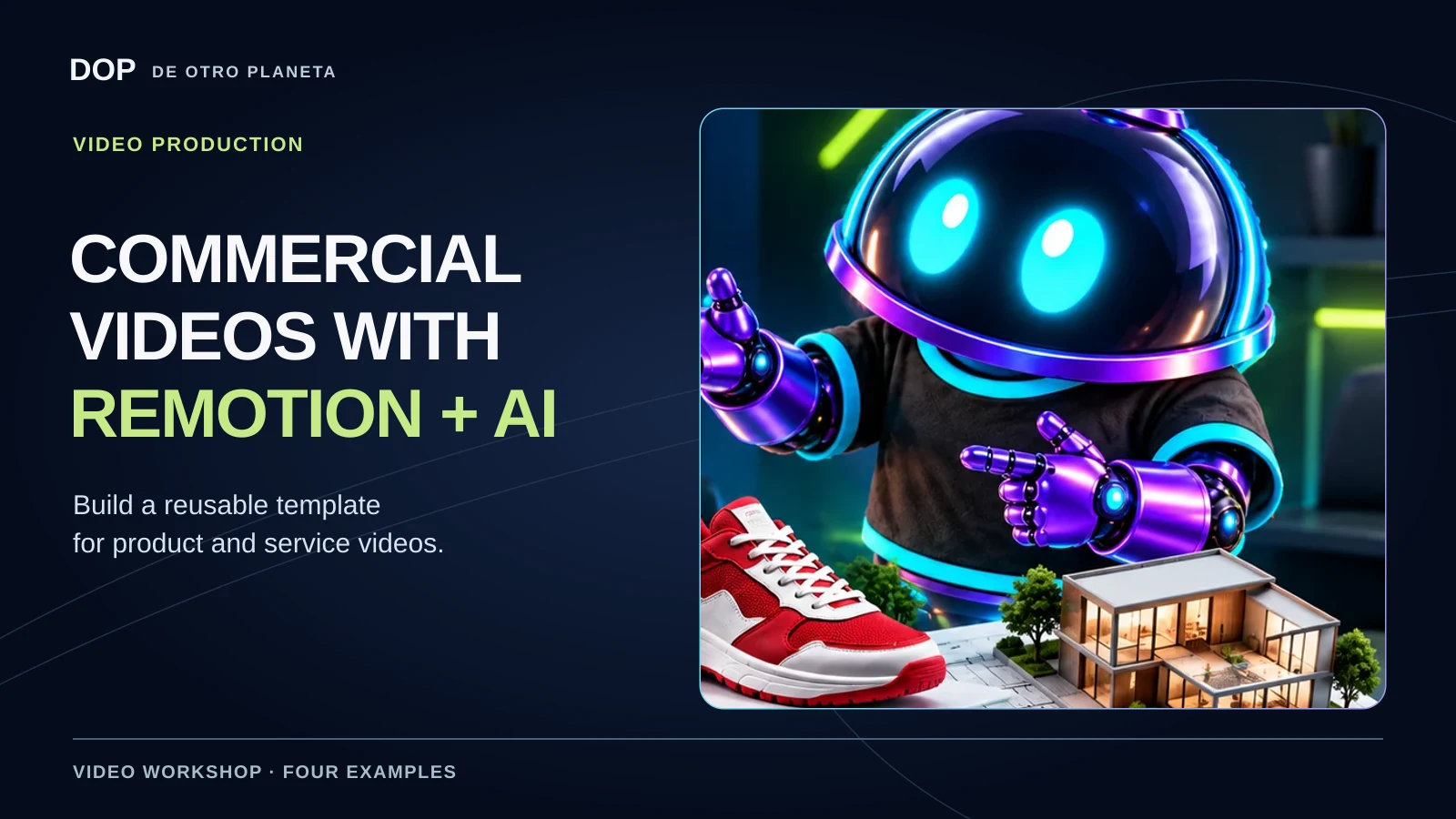
Keep the style and change what you want to communicate
The tutorial starts with prepared projects. Each one offers controls for changing the product, the close-up, the walkthrough or the season. When you design a template, you decide which elements stay in place and which the editor can change.
Remotion lets you create videos with code. An AI assistant can help build or revise the project, while Remotion Studio lets you preview it and use the controls defined in the template. The editor needs to prepare the assets, expose the controls and decide what each one can do.
As a business owner, you can commission one video design and adapt it to several products or messages while retaining your visual identity. The first template takes work, and each new version still needs review.
What to prepare before opening the project
- A communication goal. What should someone understand, and what should they do next? They might explore a feature, check an offer or ask for information.
- Business assets. Gather clean images, existing clips, your logo, colors and a style reference. For a layered product reveal, prepare images of the separate parts.
- Approved facts. Provide features, product names, prices and offer dates where relevant. Product claims need supporting information even when AI creates the image.
- A working project. Install Remotion and give a developer or an assistant access to the code and files. A chat session alone cannot edit files on a computer it cannot access.
Start with the official Remotion documentation. At 01:35 the narrator describes the scenes on the left, preview in the middle, controls on the right and timeline below. The published video shows a cutaway of the shoe display at that point. The official Studio guide shows the full interface. Your layout and controls will depend on the version and project.
Four examples, the assets they use and what you can change
Headphones in layers
The project switches between gaming and sports headphones. You can highlight details or move from a product shot to footage of someone wearing them. Separate image layers create the exploded view. They illustrate how the parts relate to each other without implying that the physical product comes apart that way.
- Assets used
- Images of the headphones, ear cushion, ear cup and controls, plus a clip of the headphones in use.
- What carries over
- The structure and movement of the product reveal. You can switch the model and choose which scenes play.
Try it in your business. Choose two models from the same catalog and check that both fit without distortion or loss of detail. If you only have flat photos, ask the editor to design a sequence around those photos.
Choose which vacuum cleaner detail to show
The demo lets you highlight the head, the grip, the whole product or a flow of particles. Selecting a part changes the close-up. Choosing particles shows their path into the dust container.
- For a real campaign
- As the narration explains, bring product footage and data to support the feature you want to describe.
- What the animation shows
- The particles and the filling container are simulated. Suction power, filtration and capacity require separate performance measurements.
Try it in your business. Use animation to explain a documented feature. Make it clear when viewers are seeing a visual explanation and when they are watching a product test.
Connect a floor plan to a property walkthrough
The apartment offers a living room, bedroom or office. The building offers common areas, an entire floor or an aerial view. Each selection plays its assigned clip, so the viewer can see where a space sits on the plan before seeing it up close.
- What to prepare
- A floor plan and clips labeled by room or area. Match each walkthrough to the space being advertised.
- What can change
- The highlighted space and its video. The presentation stays consistent. The tutorial uses illustrative images.
Try it in your business. Test the idea with two actual spaces before expanding the project. The editor chooses the route in the project. An exported MP4 plays that route as a finished sequence. An interactive tour requires a separate implementation.
One shoe display across seasons
The same retail display changes its product and decoration. The editor can update the previous and promotional prices. The holiday version closes with the shoe being worn and its launch price on screen.
- Assets used
- A background, shoes, close-ups and footage of the shoes in use, along with a clear seasonal brief.
- What to check
- Confirm the model, product name, price, offer dates and decorations against the approved promotion.
Try it in your business. Keep the composition, pace and position of the message, then inspect each combination. A longer price or a differently shaped shoe can change how well the frame works.
Your first test, step by step
- Choose a small case. Try one product with two models or a property with two routes. Define what the audience should understand.
- Supply an organized folder. Label the assets and approved copy. Mark which elements are real and which can be recreated as illustrations.
- Specify what stays and what changes. Ask for clearly named options such as model, detail, route, season or price.
- Watch a preview. Check that each scene uses its intended asset. Request specific corrections, one at a time.
- Try a second variation. Check whether the design handles the second product or message as well as the first.
- Export and watch the whole file. Check audio, transitions, text and framing in the final video before publishing.
A brief for your first project
Adapt this example to commission your own test. We wrote it as a starting point for readers. You will still need to create the project and add your own assets.
Create a first test of a commercial video for [product or service] aimed at [audience]. The goal is to [explain a detail, introduce a product or show a space]. These are the assets I have permission to use: [images, clips, logo, colors and approved copy]. These are the facts we can communicate: [features and, if relevant, price and offer dates]. If an asset or fact is missing, flag it before production. Build a Remotion template that keeps [composition, pace and style] and allows us to change [model, detail, walkthrough or season]. Give these options clear names. Identify any illustrative animation separately from footage or verified product information. First show me a test version and two variations for review. Wait for approval before publishing. Check mobile framing, text, voice, music, product continuity and offer details. After my review, export the video and hand over the project with its assets and instructions for use.
What to check before publishing
- Product and message. Check shapes, colors, features and scenes against the actual product.
- Offer. Verify price and dates against the approved promotion. Check any details that AI has filled in.
- Mobile viewing. Make sure text is readable, important details stay in frame and viewers have time to understand each scene.
- Sound. Listen for a clear voice, appropriate music volume and cuts that preserve complete phrases.
- Usage rights. Check that you can use the images, voices, music and footage. Identify recreations where relevant.
- Handoff. Request the exported file, and the organized project and assets if reusing the template was part of the agreement.
The tutorial demonstrates composition and adaptation. We did not measure hours saved, sales or advertising performance. Production time depends on the available assets, template, tools and revisions.
Frequently asked questions
Can I start without programming experience?
You can define the goal, provide assets and review versions. A developer or an assistant with project access can help create or edit the template. The four examples are custom projects.
Can I change anything in Studio?
You can use the options the project exposes. A different layout or animation requires an edit to the template.
Do I need to shoot everything again?
Review the material you already have. Reuse relevant footage you have permission to use. If a shot is necessary to show the product accurately, plan the shoot or change the visual approach.
Can I download the templates from the tutorial?
The tutorial does not include the project files. This guide explains what to request and how to check your own implementation.
Are AI and Remotion free to use for this?
Check Remotion’s license and the terms of the tools, assets and services your project uses. Subscriptions, licenses and production quotes are outside the scope of this guide.
Sources and scope
This guide draws on De Otro Planeta’s 4:55 video, its transcript and chapters published on November 1, 2026, checked against the available production materials. The preparation advice, sample brief and review checklist expand on the filmed demonstration.
Turning assets into a commercial video
What do you want to show about your business?
We can review your footage, the video idea and what makes sense to reuse. We agree on the scope based on the work involved.
Explore our advertising video service ↗Need footage? Explore our filming service ↗Tell us about your project ↗