
First impressions · A day at DOP
My first day with ChatGPT dots at De Otro Planeta, a Bogotá advertising agency
I’m Jairo Vélez from De Otro Planeta, an advertising agency in Bogotá. At 4:30 this morning, I started with a simple idea: I wanted to try this thing. I didn’t understand it yet, and I wanted it to surprise me. Fourteen hours later, I had plenty to write about.
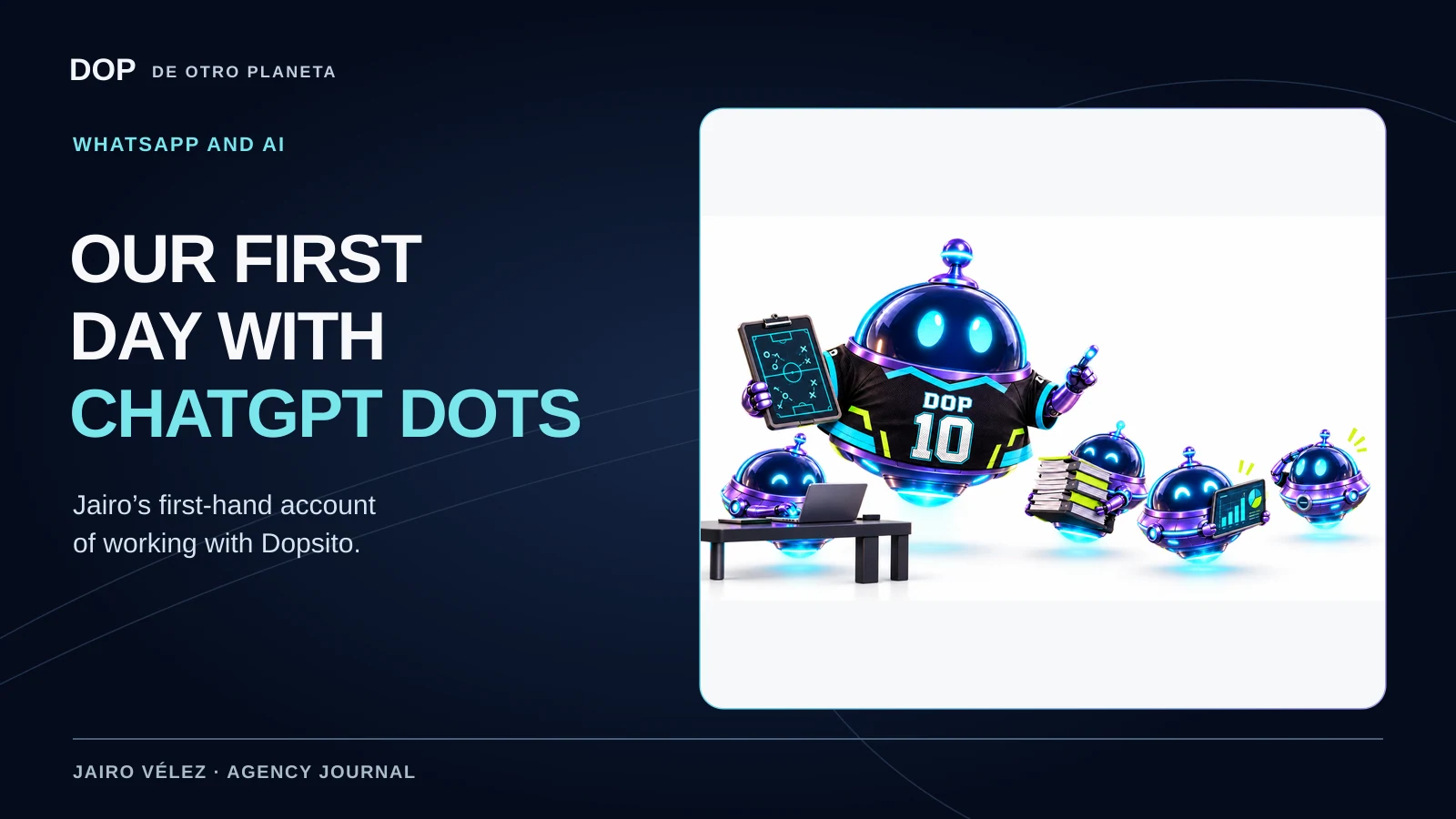
4:30 a.m. · I wanted to see what would happen
Some days you open a tool to solve a particular problem. Today I opened one out of curiosity. I’d seen ChatGPT dots and wanted to see what I could actually do with one in the middle of a normal working day at the agency.
I came to it with open projects, things I wanted to improve and a willingness to experiment. I wondered how far the conversation would go once I explained what we do and what we were working on.
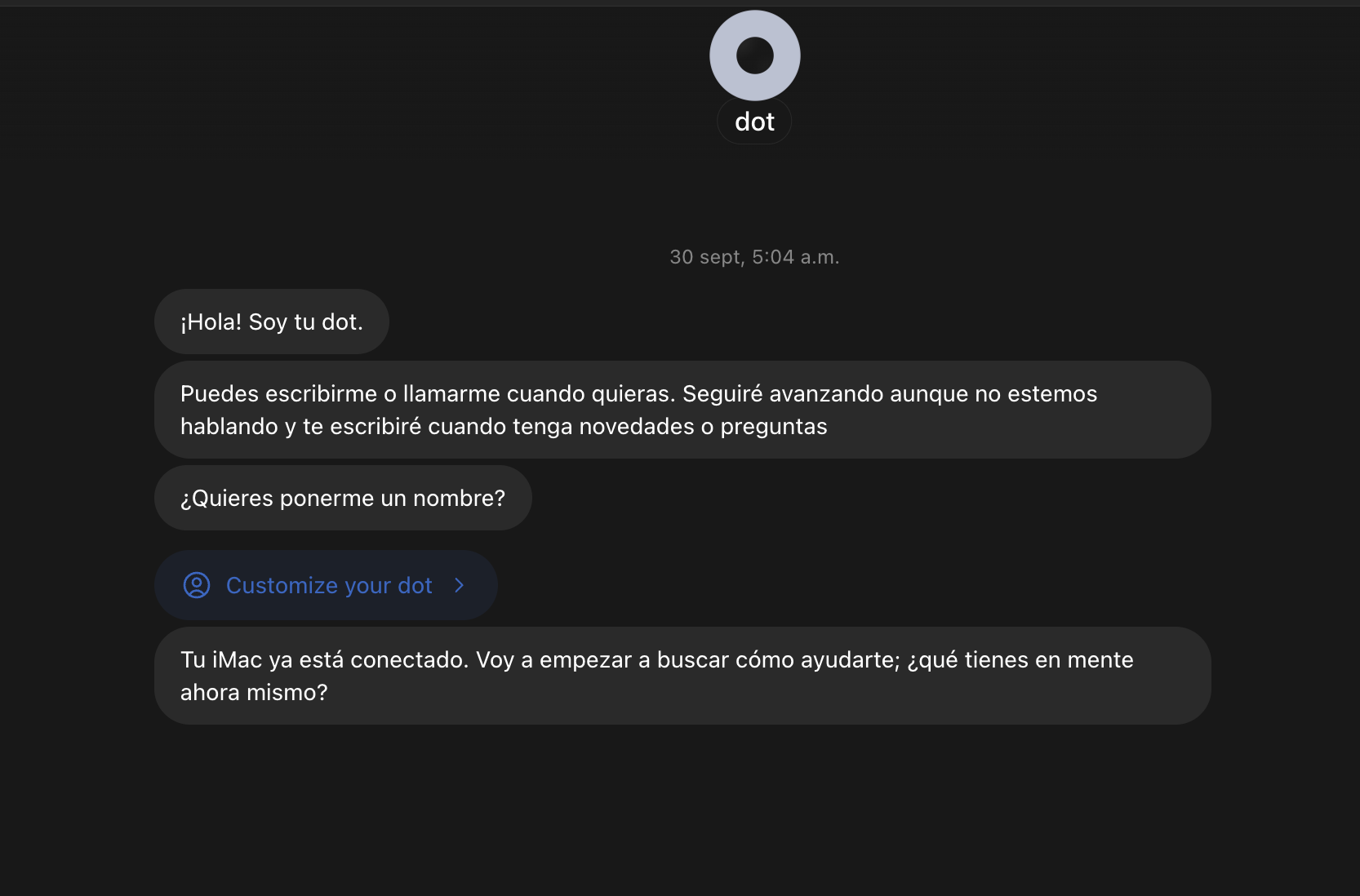
A little later, I saved this screenshot. The dot said I could message or call it and that it would get in touch when it had news or questions. At the time, that sounded like an introduction. By breakfast, I’d have a much better idea of what it meant.
Of course I was going to call it Dopsito
One of the first things I did was customise it. We already had our mascot, the little character that’s part of De Otro Planeta’s identity, and I wanted to use it here. The name came easily: Dopsito.
It sounds like a small detail, but I liked having something of ours in the experience from the beginning. I was trying a new ChatGPT feature and finding a place for it inside the agency at the same time.
The customisation screen offered colours, characters and pets. Seeing our mascot among them made me want to keep pressing buttons to find out what came next.

First, I explained what we were working on
I connected Google and my work email with the information filtered. Then I asked the dot to look at the available context from our conversations, connected services and computer so it could understand our active projects.
I wanted it to know where things stood. We’d already built tools for the agency and had plenty of ideas for improving them. I wanted to build on that work and connect tasks I’d been handling separately.
The conversation quickly became more concrete. We started working on our actual tasks and appointment calendar.
DOP Tareas: getting the team’s work in order
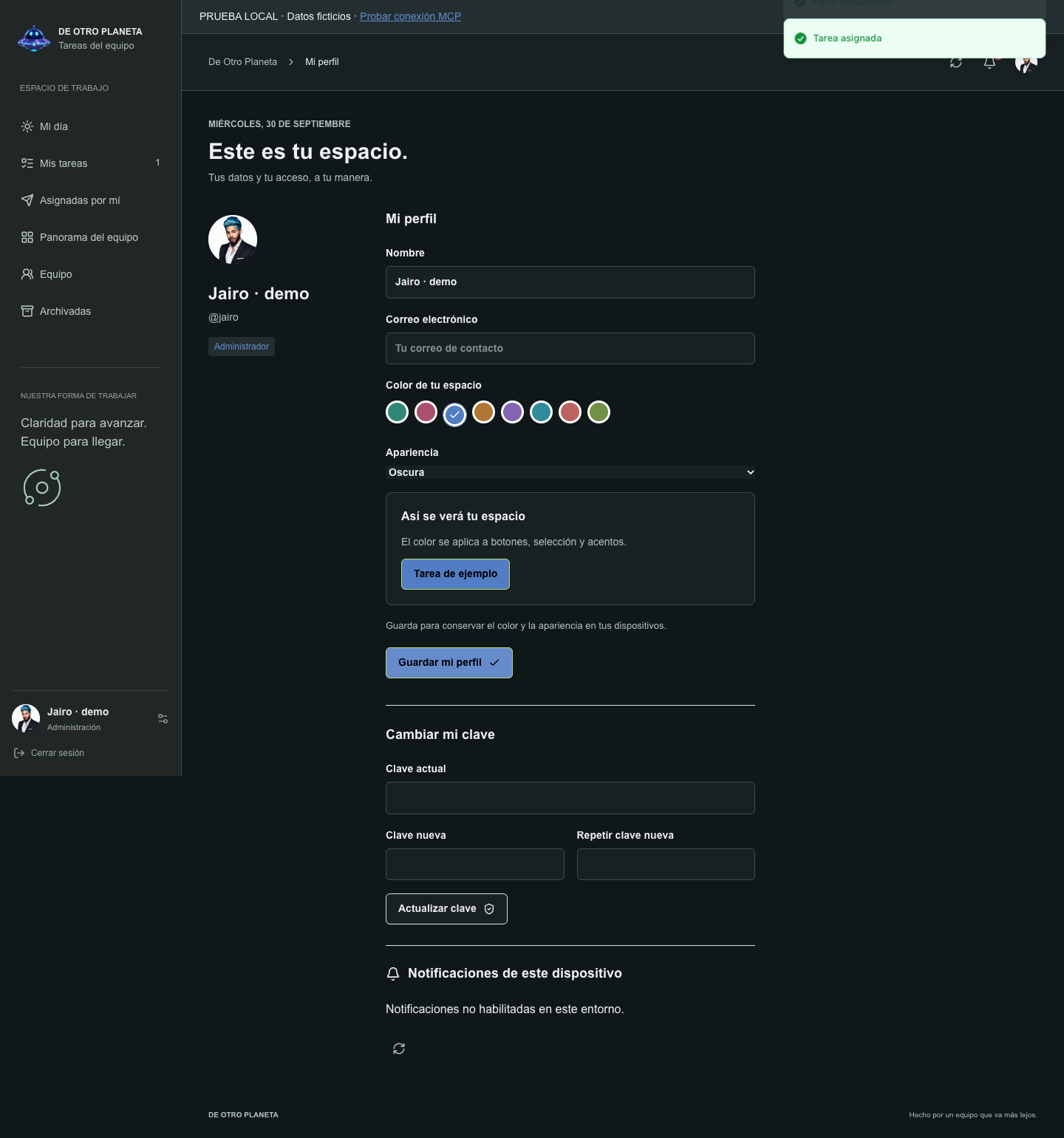
One of those projects was DOP Tareas, the tool we built to organise team tasks. Today we worked on the admin and adviser roles, tasks with more than one assignee, and ways for people to personalise their workspace.
What I wanted from those changes was straightforward: everyone should be able to find their own assignments, shared tasks should reflect how we really work together, and people should recognise their workspace when they open it.
I enjoyed talking through those needs while changes were coming in for review. We already had a working project. Now we could refine it using situations that crop up every day at the agency.
Explore DOP Tareas (Spanish app) · Read how we built it
The calendar and the spreadsheet: stop entering everything twice
The other project was Agenda Clientes, our appointment calendar. If you’ve ever managed bookings, you know the trouble with keeping availability in one place and follow-up in another. Every change means another check, another note and another chance to fall behind.
As the day went on, we made progress on the calendar and confirmed that it synced with Google Sheets in our setup. The benefit was simple: we could stop entering the same information twice and keep the details our team needed together.
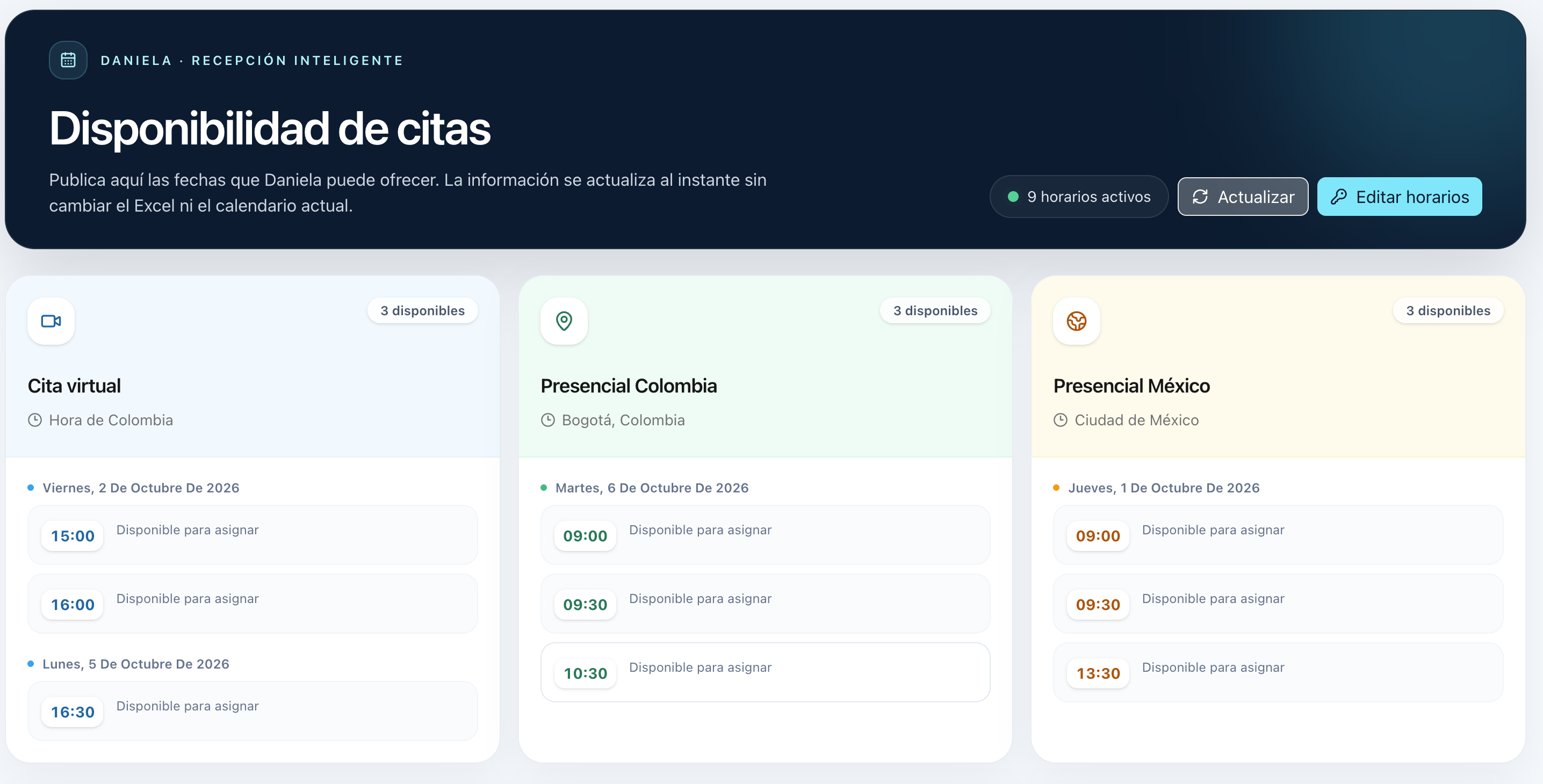
The calendar brings together availability, appointments and follow-up, with online sessions and in-person options in Colombia and Mexico. This screenshot from the morning shows open slots without any patient information.
Explore Agenda Clientes (Spanish app)
Suddenly, several projects were moving at once
Another surprise was seeing Dopsito hand assignments to other workspaces and agents, then bring their progress back to me. I could keep talking through one need while several other tasks were under way.
There was a funny side to it. Every so often I’d drop into the workspaces Dopsito had created to see how things were going. There it was, acting like the boss: asking for reports, chasing deliveries and getting things organised when something ran late. I do that too! I loved watching it pull on the number 10 jersey and take the lead.
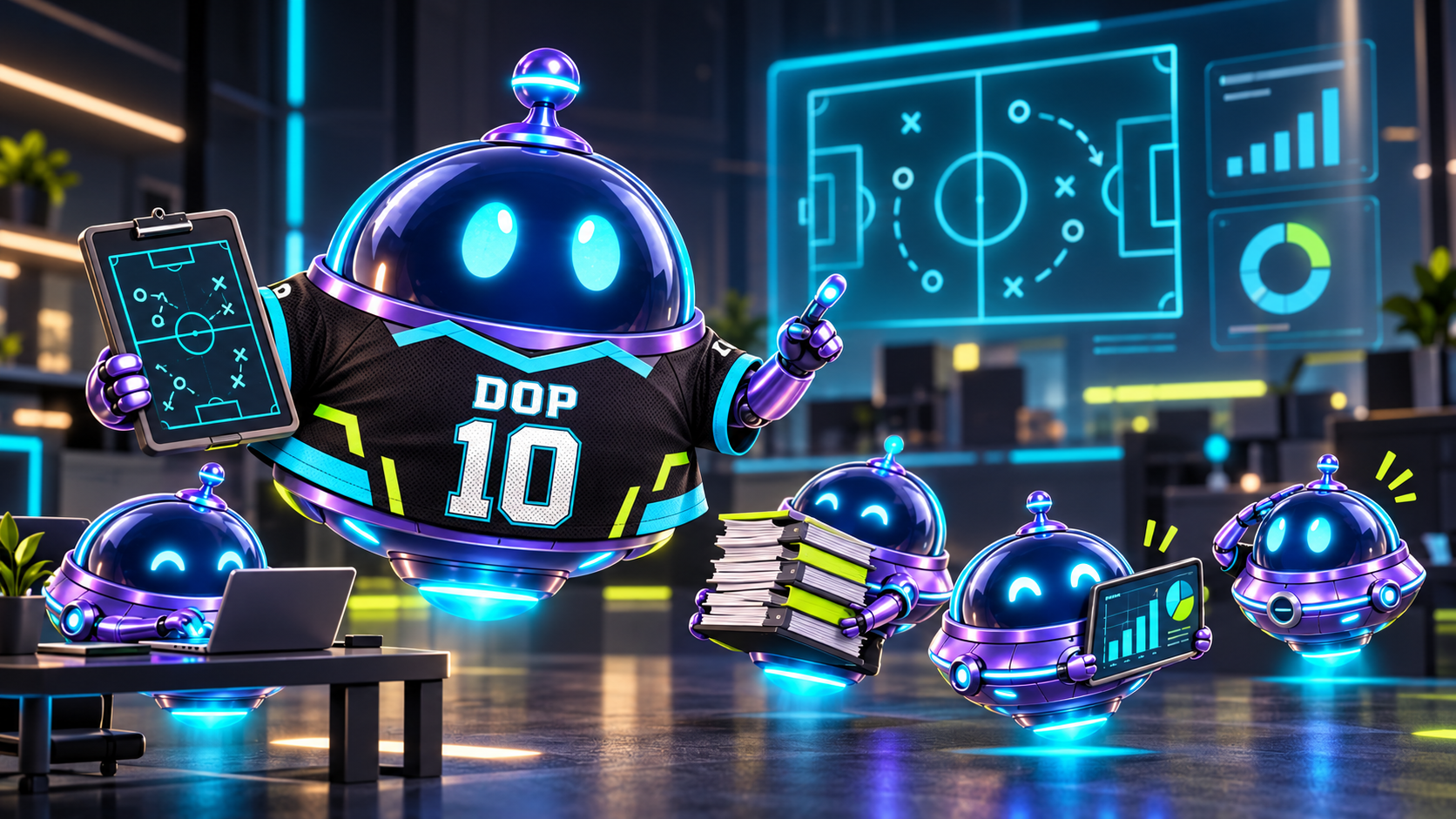
What came back were updates, questions and results I could review. That kept me immersed for hours. Every time I saw an improvement, I’d think of something else I wanted to try.
- 01Work on DOP Tareas continued
- 02The calendar connected to the spreadsheet
- 03I reviewed progress and answered questions
I got up for breakfast. The work caught up with me on my phone.
This was my favourite moment. I’d been absorbed in the experiment for quite a while when I got up for breakfast. Then the notifications started arriving on my phone.
I could check progress and answer questions right there while the other tasks continued. What had begun at my computer had moved to my phone in a way that felt natural.
I could step away from my chair without bringing everything to a halt, see what was coming in, and join back in when someone needed a decision from me.
It felt as if my work had followed me onto my phone.
Jairo Vélez · First impressions
What I took away from that first day
I ended the day with concrete improvements to tools we use, a calendar connected to a spreadsheet and more ideas to try. I also found a different way to stay involved: talk things through, let the work progress, review it and pick up the conversation again.
I’m still figuring it out. That’s what I wanted to share: the excitement of trying something new and finding a place for it at an advertising agency, among the team, the deadlines and the projects already under way.
I’m writing this at 6:30 p.m., after roughly 14 hours of interaction. Nice move, OpenAI. I can’t wait to see what else I can do and keep sharing what I learn.
If you’re trying dots too, I’d love to hear what surprised you first. We share our experiences as @JairoVelezP and @somosdeotroplaneta. We’re De Otro Planeta, writing from Bogotá.
Where to explore next
OpenAI announced dots on September 29. This was my experience on September 30, 2026. To check requirements and availability for your account, see the official dots guide.
For another project from that day, see our tutorial on publishing your first Facebook and Instagram ad, with the complete video and written steps.
Jairo Vélez’s account of September 30, 2026, with our own screenshots from that day. The DOP Tareas example uses demo data.